Simulations
How to run each project (local + browser options where supported)
GitHub Pages is a static website. It can show the code, text, and plots — but it can’t run Python on the page.
What can I do next?
- If you want the full experience (interactive Matplotlib windows, keyboard controls, smooth animation): run locally.
- If you want “click and run in browser”:
- Notebooks: Binder / Colab
- Dashboards: Open the Dashboard Hub (Binder)
Module 1 — Foundations

Rocket Ascent Simulator
What it is: A launch simulation with thrust, drag, gravity losses, and live telemetry.
Next step: Run it and watch how a gravity turn changes the trajectory.
- Docs: README · Explanation
- Run locally:
cd src/Module_01_Foundations/Projects/Rocket_Ascent_Simulator
pip install -r requirements.txt
python simulation.py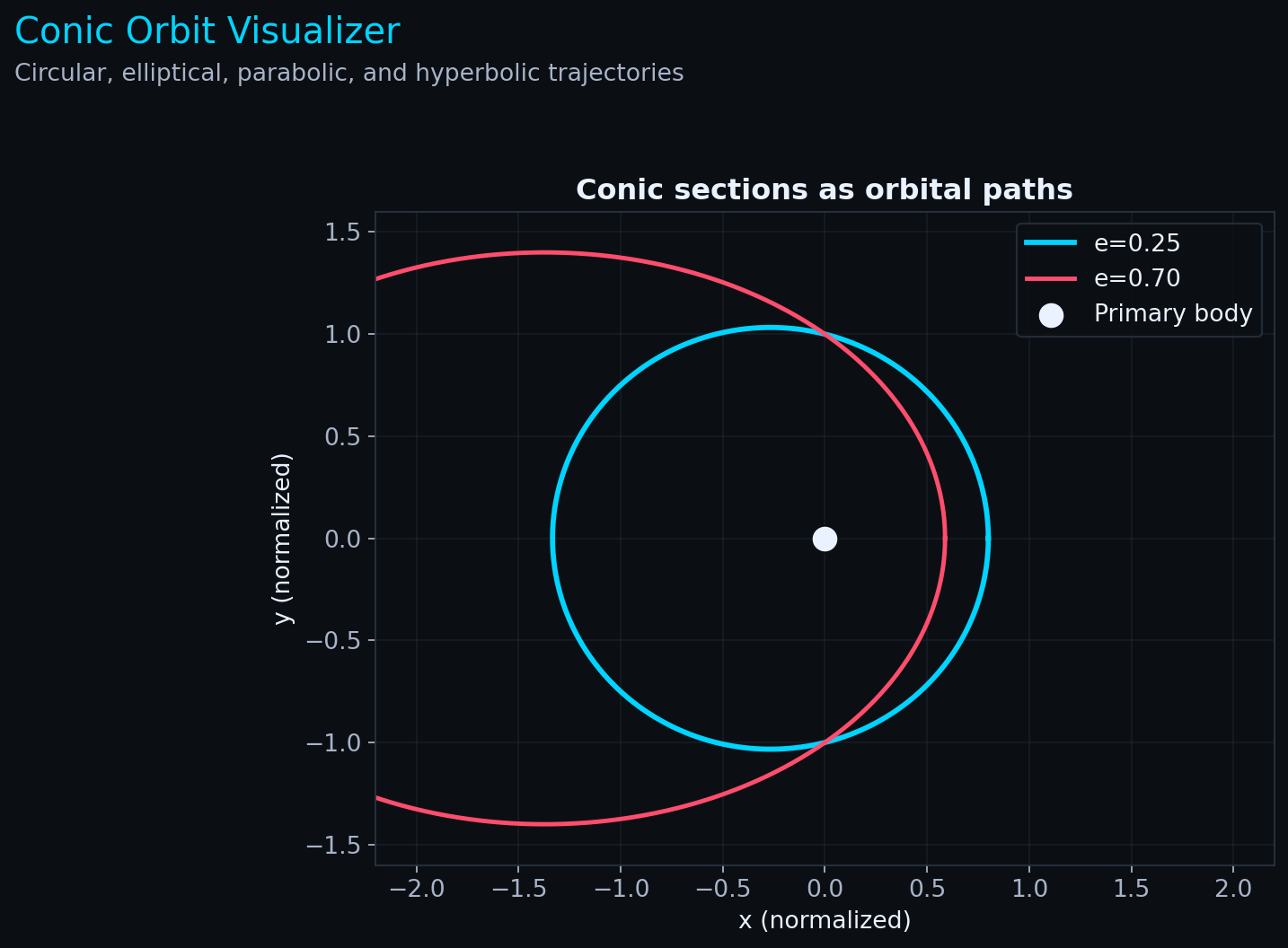
Conic Orbit Visualizer
What it is: Explore circular/elliptic/hyperbolic trajectories and the meaning of eccentricity.
Next step: Change eccentricity and see how the orbit shape changes.
- Docs: README · Explanation
- Run locally:
cd src/Module_01_Foundations/Projects/Conic_Orbit_Visualizer
pip install -r requirements.txt
python visualizer.py
Module 2 — Orbital Mechanics
Satellite Constellation Propagator
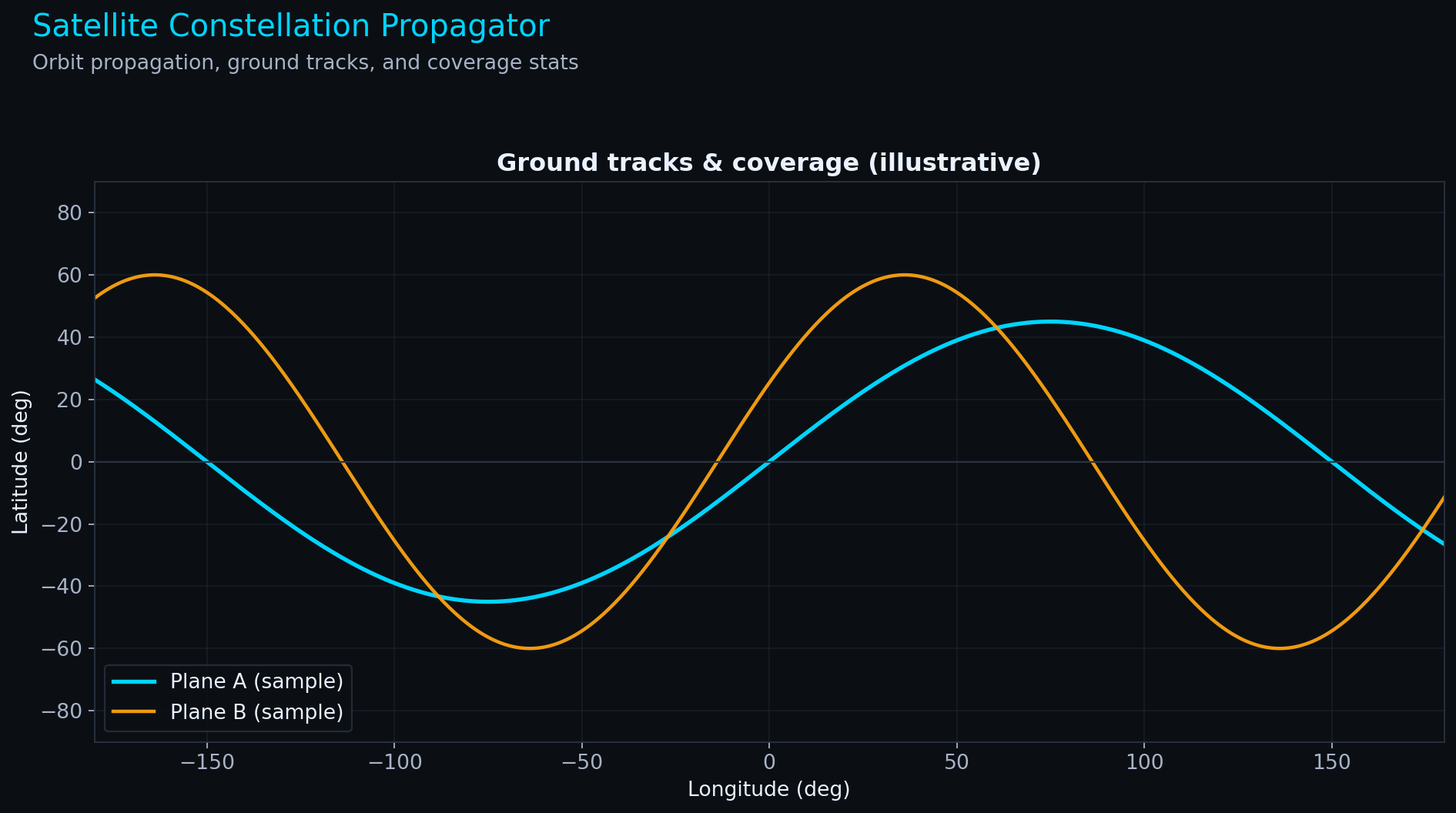
What it is: Propagate satellite orbits and visualize ground tracks / coverage (multi‑constellation examples).
Next step: Compare a LEO communications shell vs a MEO navigation system.
- Docs: README · Explanation
- Run locally:
cd src/Module_02_Orbital_Mechanics/Projects/Starlink_Propagator
pip install -r requirements.txt
python propagator.py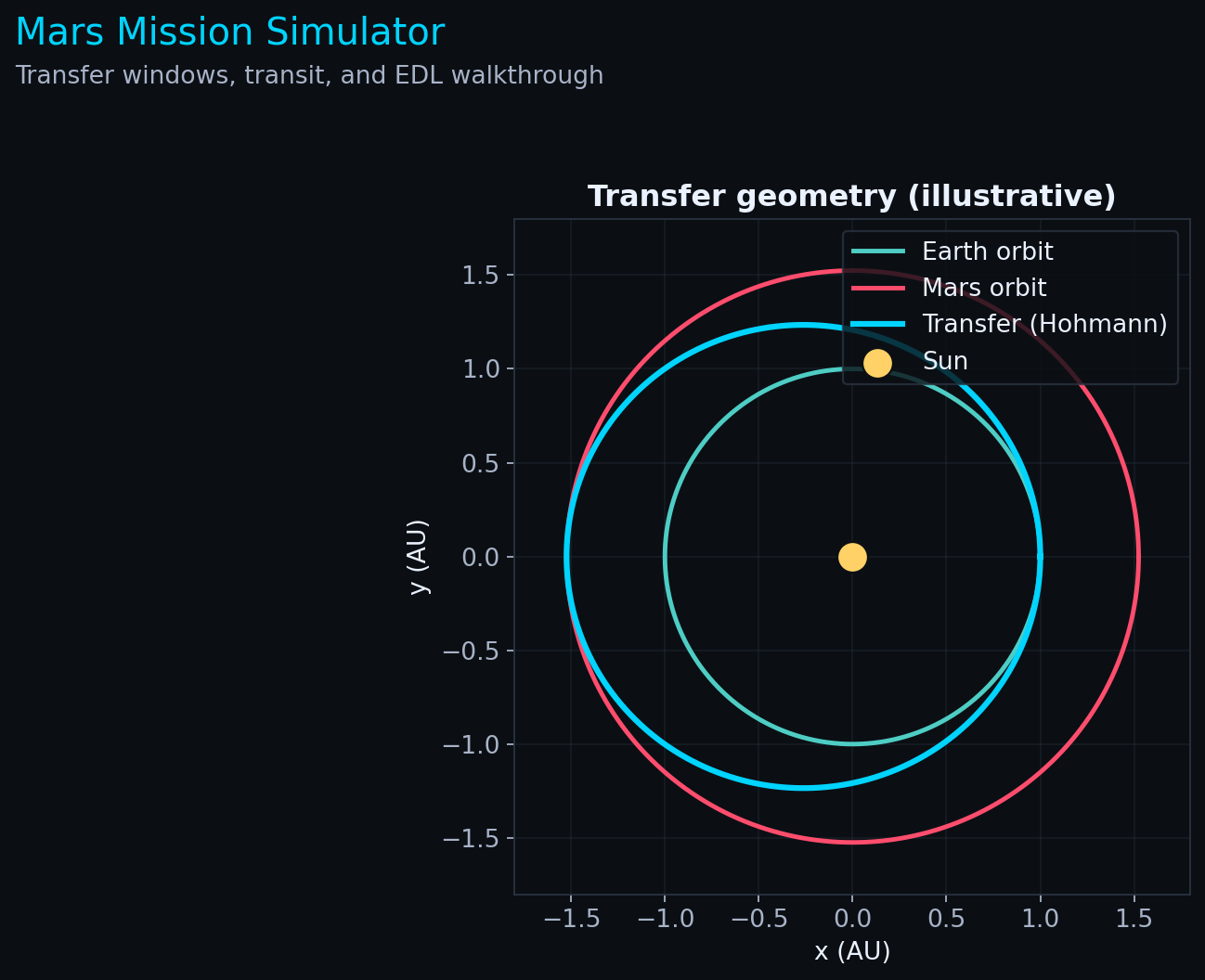
Mars Mission Simulator
What it is: Transfer geometry, launch windows, transit, and EDL explained step‑by‑step.
Next step: Run the mission planner, then open the porkchop plot to see why windows matter.
- Docs: README · Explanation
- Run locally:
cd src/Module_02_Orbital_Mechanics/Projects/Starship_Trajectory_Planner
pip install -r requirements.txt
python mission_planner.py
python porkchop/plotter.py
Module 3 — Propulsion & Systems

Propellant Explorer (Web App)
What it is: Compare propellants (Isp + density), balance combustion ratios, and compute (v) with sliders.
Next step: Open the web app and try to design a rocket that reaches LEO.
- Docs: README
- Run locally:
cd src/Module_03_Propulsion/Projects/Propellant_Explorer
pip install -r requirements.txt
streamlit run app.py- Run in browser (Binder, one‑click): Launch Propellant Explorer
Launch Vehicle Trade Simulator
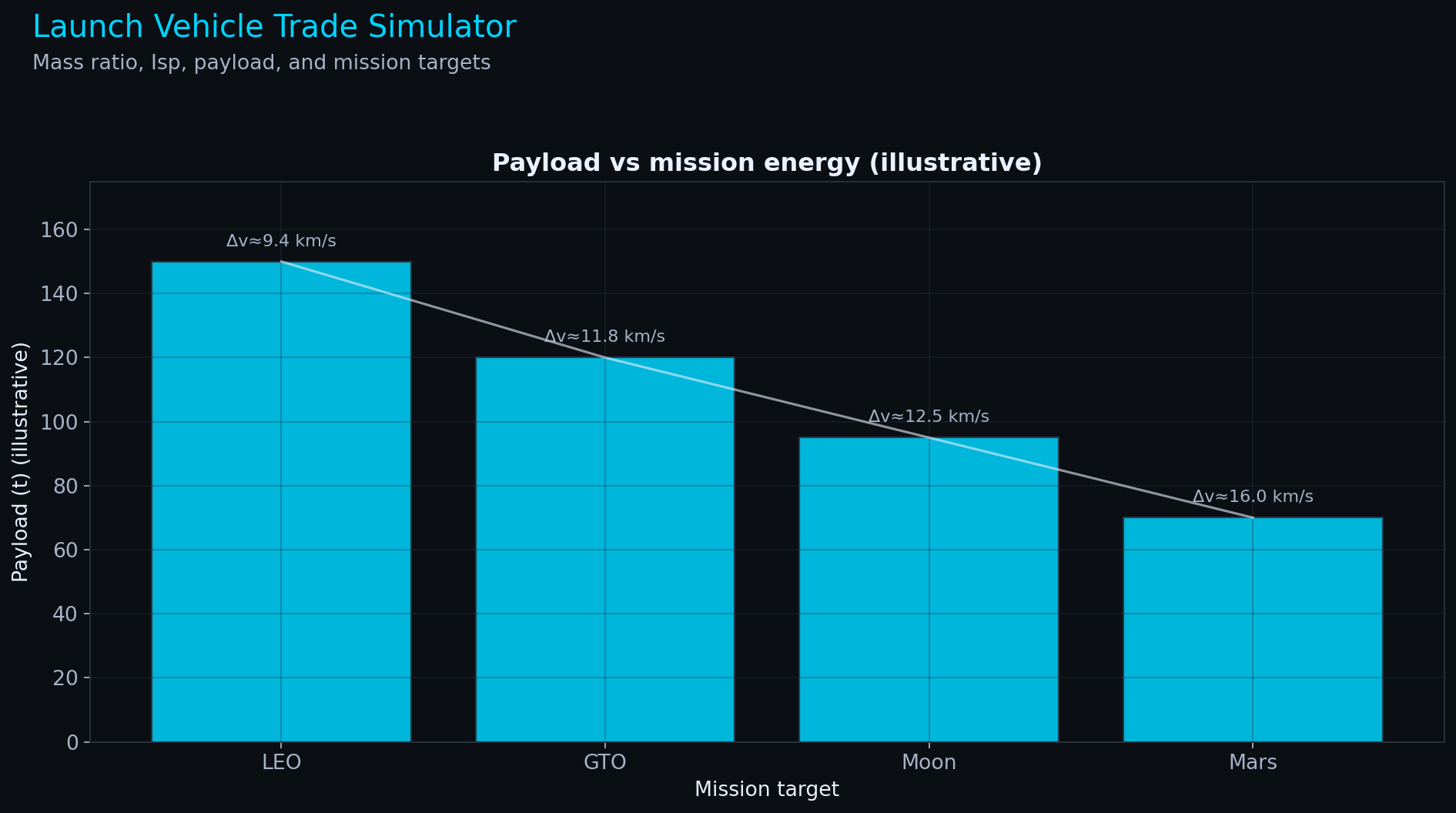
What it is: Explore how (I_{sp}), dry mass, propellant, and mission target change payload capability.
Next step: Try “Moon” vs “Mars” and see how quickly payload collapses.
- Docs: README · Explanation
- Run locally:
cd src/Module_03_Propulsion/Projects/Starship_Trade_Simulator
pip install -r requirements.txt
python trade_simulator.py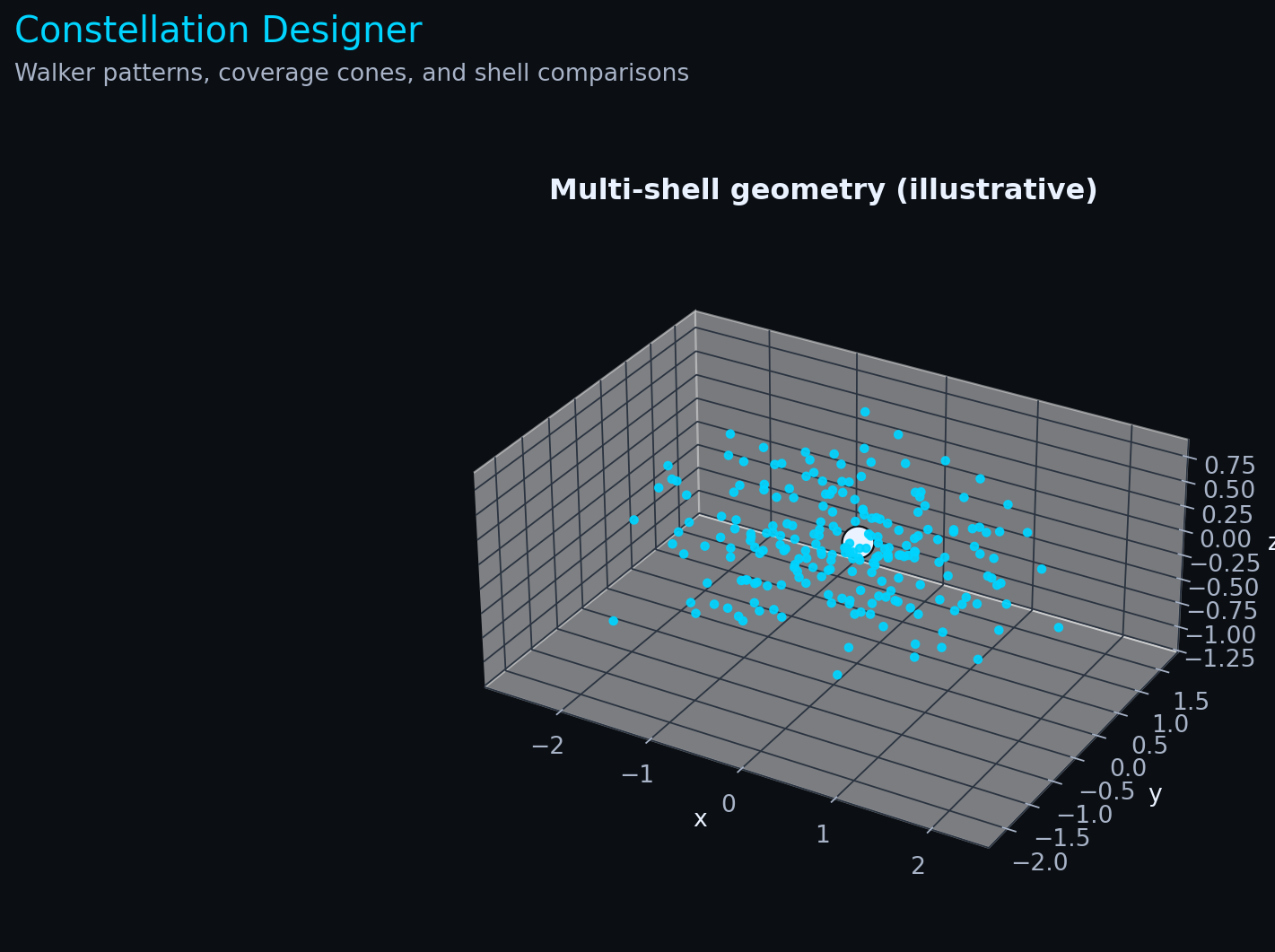
Constellation Designer
What it is: Design constellation shells and visualize coverage concepts (Walker patterns, geometry).
Next step: Compare architectures for comms vs Earth observation.
- Docs: README · Explanation
- Run locally:
cd src/Module_03_Propulsion/Projects/Constellation_Designer
pip install -r requirements.txt
python designer.py
Module 4 — Human Factors & Policy
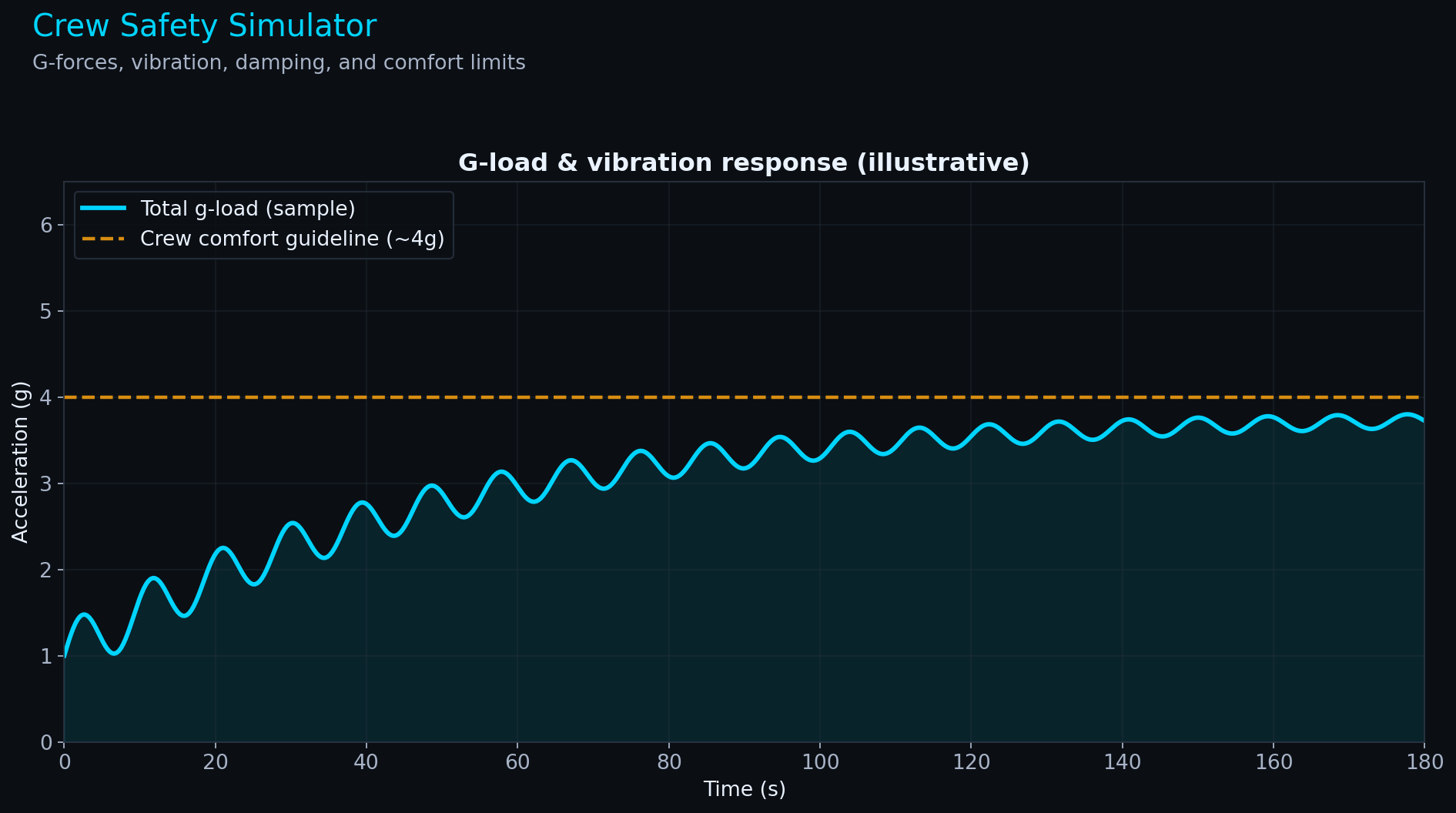
Crew Safety Simulator
What it is: Visualize g‑loads and vibration response with a mass‑spring‑damper model.
Next step: Tune damping ratio and see how it changes comfort and peak loads.
- Docs: README · Explanation
- Run locally:
cd src/Module_04_Human_Factors/Projects/Crew_Safety_Simulator
pip install -r requirements.txt
python simulator.py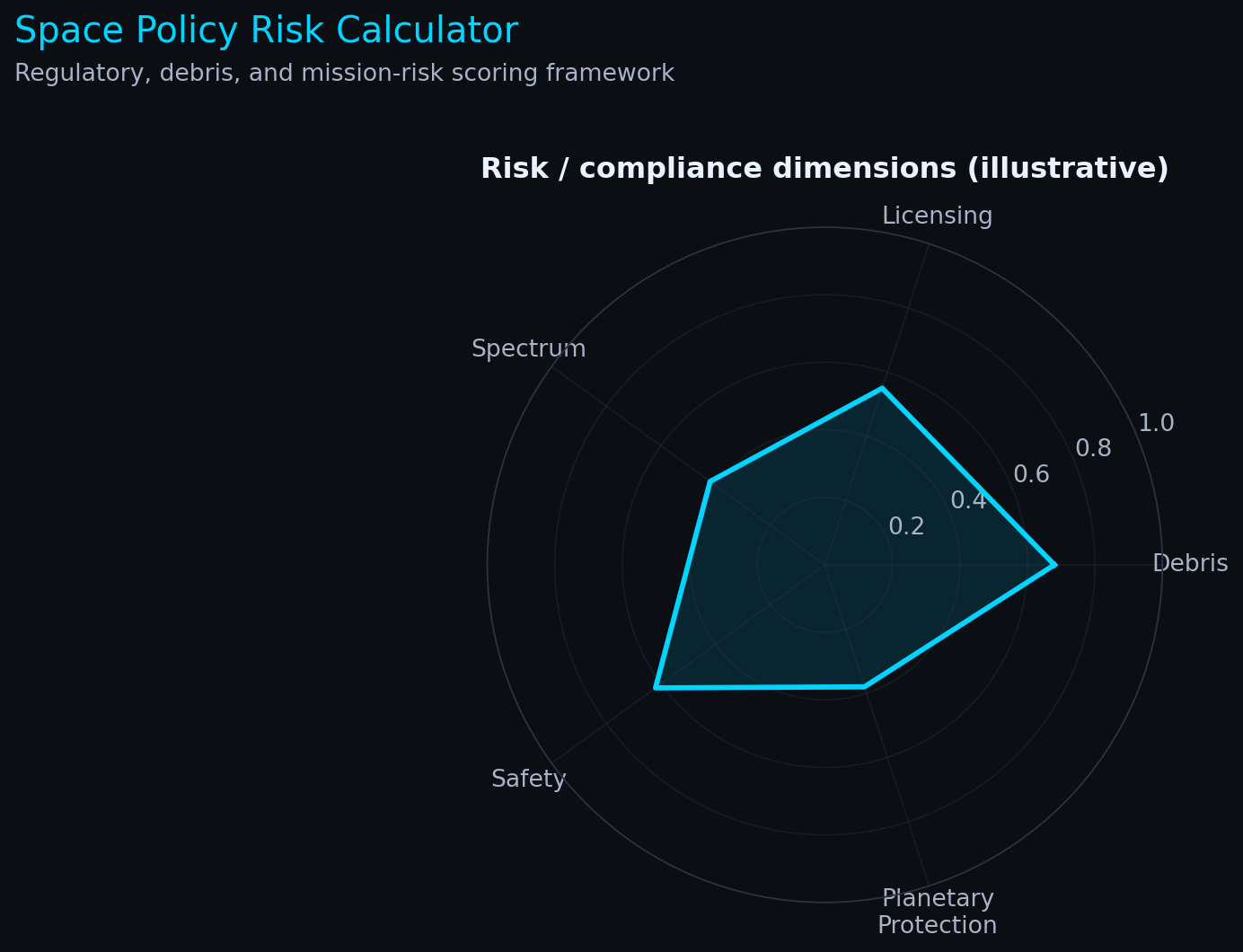
Space Policy Risk Calculator
What it is: A structured way to think about regulatory + operational risk (debris, licensing, spectrum, safety).
Next step: Try different mission profiles and see how risk categories shift.
- Docs: README · Explanation
- Run locally:
cd src/Module_04_Human_Factors/Projects/Space_Policy_Calculator
pip install -r requirements.txt
python calculator.py
Module 5 — Astrophysics & Machine Learning
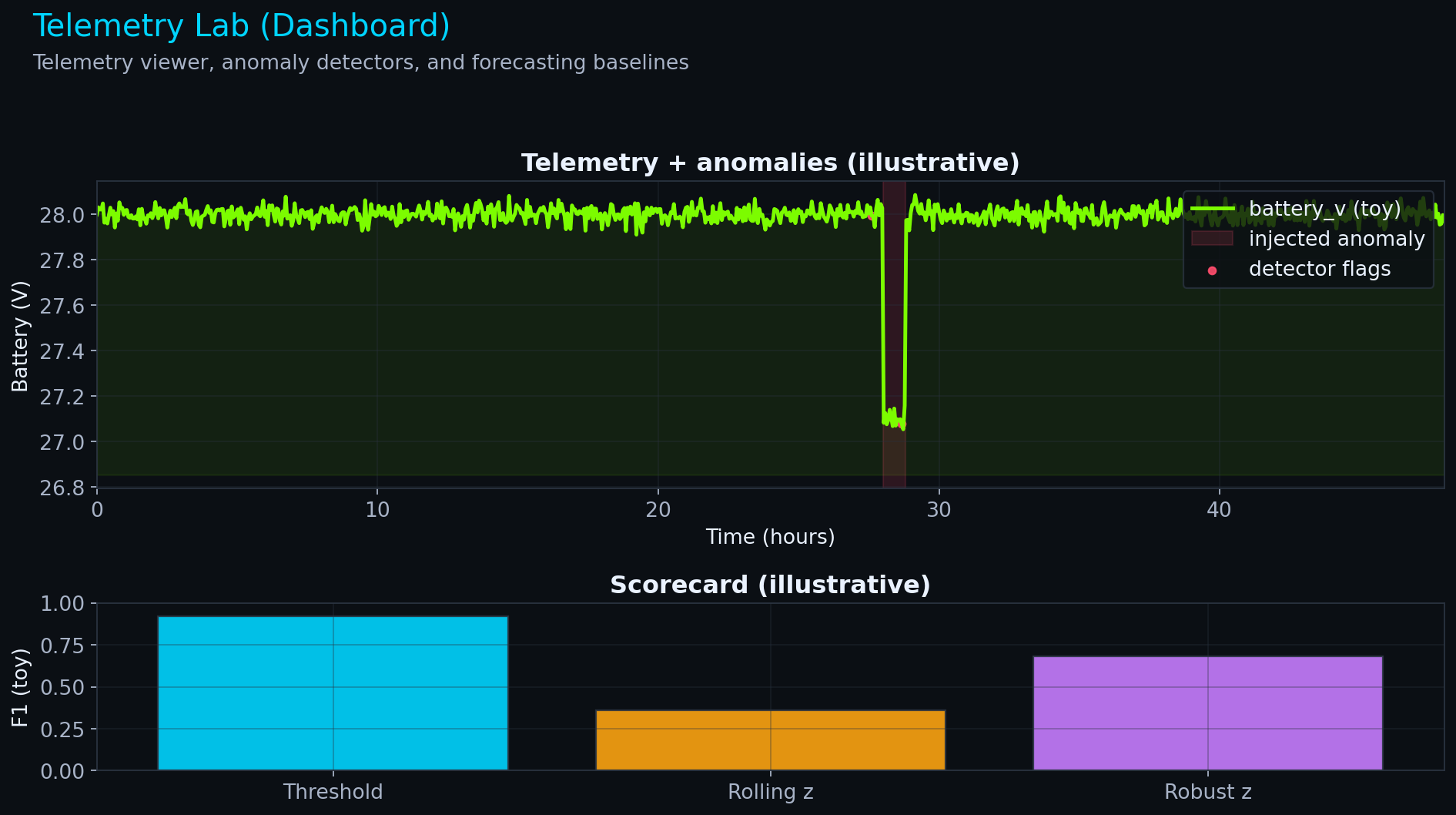
Telemetry Lab (Dashboard)
What it is: A hands-on dashboard for time series telemetry, missing data, anomaly detection, and forecasting baselines.
Next step: Open the app and tune the detector settings until you understand the precision/recall tradeoff.
- Docs: README · Explanation
- Run locally:
cd src/Module_05_Astrophysics_ML/Projects/Telemetry_Lab
pip install -r requirements.txt
streamlit run app.py- Run in browser (Binder, one‑click): Launch Telemetry Lab